
Most commercial audio systems do not fail all at once. They get gradually worse until people stop expecting them to work. Staff start repeating themselves. Someone keeps a spare handheld mic under the podium. The volume knob creeps up every year. By the time a facility manager starts researching a commercial audio system upgrade, the system has usually been struggling for a long time.
The hard part is knowing whether you actually need an upgrade. Some audio problems are maintenance issues that cost a few hundred dollars to fix. Some are a single failing component in an otherwise healthy system. And some are signs that the design no longer fits the room or the organization. Those three situations call for very different decisions and very different budgets.
This article walks through how to tell them apart, what warning signs are worth acting on, and what usually does and does not need to be replaced when a system is upgraded.
Key Takeaways
- Poor sound is a symptom. Before you budget for new equipment, find out whether the cause is a settings issue, a failing component, or a design that no longer fits the space.
- Age alone is not a reason to replace a commercial sound system. Loss of support, loss of reliability, and loss of capability are.
- Speech intelligibility and coverage problems are frequently caused by loudspeaker placement and room acoustics, not by the loudspeakers themselves.
- A system that only one person knows how to operate is a real operational risk, even when the audio sounds fine.
- Upgrading rarely means replacing everything. Cable infrastructure, conduit, mounting points, and some loudspeakers often carry forward.
- Changes in how a room is used are one of the most common and most overlooked reasons a system stops performing.
Table of Contents
- Three Situations That Look the Same and Are Not
- Warning Signs Worth Taking Seriously
- What Actually Determines How Your System Performs
- When the Room Changed and the System Did Not
- An Upgrade Does Not Mean Replacing Everything
- How to Decide What to Do Next
- Frequently Asked Questions
Three Situations That Look the Same and Are Not
From the audience, a muddy sanctuary, a dead zone in the cafeteria, and a house system with a failing amplifier all sound like the same thing: bad audio. From a technical standpoint they are completely different problems with different price tags.
A problem that needs troubleshooting or maintenance
A surprising number of audio complaints trace back to something that can be corrected in an afternoon. A DSP preset that was overwritten. A microphone with a worn cable or a failing capsule. Gain structure that drifted after someone tried to fix a feedback problem by turning things down at the wrong point in the chain. A loudspeaker tap setting that was changed during a facility renovation. A wireless receiver sitting in a rack behind a metal door with its antennas pointed at a wall.
These issues share a useful trait: the system used to work and then stopped. If you can point to a time when the audio was acceptable, start with service and diagnosis rather than a replacement budget. Chasing a design change when the real issue is a settings or maintenance problem is how organizations end up spending real money and hearing the same complaints afterward.
A component that has reached the end of its useful life
Sometimes the design is sound and one part of the chain is the weak link. An amplifier that runs hot and drops a channel under load. A mixer with intermittent faders. A wireless microphone system operating in frequencies that are no longer legal to use. A DSP that cannot be programmed anymore because the software will not run on any computer you own.
Component-level upgrades are the most cost-effective work we do, provided the rest of the system is worth building on. The important question is not whether the part is broken, but whether replacing it will actually solve the complaint people are raising.
A system that needs a redesign
The third situation is the one most organizations resist, usually for budget reasons. The equipment may all be functional. Nothing is technically broken. But the system was designed for a different room, a different service style, a different class size, or a different set of expectations, and no amount of component swapping is going to fix that.
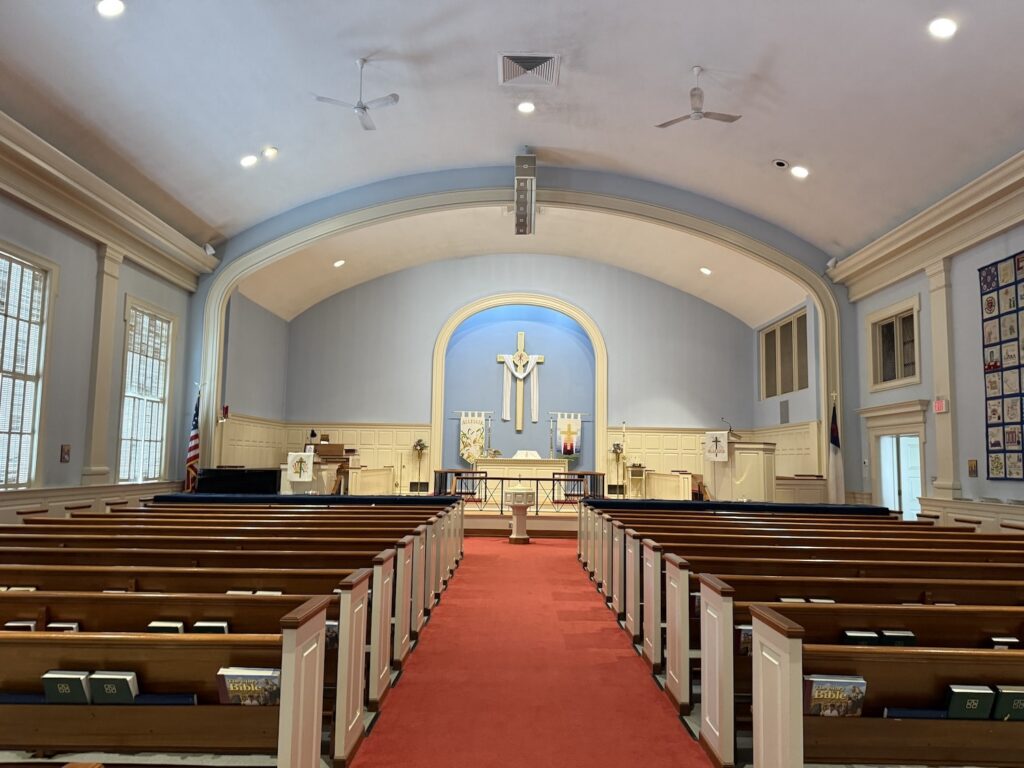
This is the case when coverage is uneven because the loudspeakers are in the wrong place, when the room was never treated acoustically, or when the system has been expanded piecemeal over fifteen years until no one can explain how signal gets from a microphone to a speaker. A professionally designed audio system integration approach starts from the room and the use case, not from the equipment list.
Warning Signs Worth Taking Seriously
These are the indicators that most reliably mean something structural is wrong, not just something temporarily broken.
People can hear it but cannot understand it
Speech intelligibility is the single most important measure of performance for most installed systems. If listeners can tell that someone is speaking but have to work to follow the words, the system is failing at its primary job no matter how loud it gets. Turning it up usually makes it worse, because in a reverberant room you are amplifying the reflections along with the direct sound.
Intelligibility problems are common enough that standards bodies quantify them. ANSI/ASA S12.60, the American standard for classroom acoustics, sets a maximum unoccupied background noise level of 35 dBA and a maximum reverberation time of 0.6 seconds for core learning spaces under 10,000 cubic feet. Plenty of real classrooms, multipurpose rooms, and sanctuaries miss those targets by a wide margin, which puts the sound system at a disadvantage before it is ever turned on.
Coverage is uneven across the room
If the front rows are uncomfortable and the back rows are straining, or there are seats along the sides where the sound thins out, you have a coverage problem. Uniform coverage is a design outcome, driven by loudspeaker selection, placement, aiming, and the geometry of the space. AVIXA publishes a performance standard for exactly this, ANSI/AVIXA A102.01, Audio Coverage Uniformity in Listener Areas, which provides a method for measuring and classifying how consistent a system’s coverage is across the seating.
Coverage problems rarely improve with better speakers in the same locations. They improve when the loudspeaker layout matches the room.
Feedback has become part of the routine
Occasional feedback happens. Feedback that shows up every week, that forces you to run wireless mics lower than you need them, or that has led someone to notch out so many frequencies that voices sound hollow, is a symptom of insufficient gain before feedback. That typically comes from microphones sitting inside the loudspeaker coverage pattern, poor placement, room reflections, or a combination of all three. Adding a feedback suppressor to a system with a placement problem buys a little headroom and costs you audio quality.
Equipment fails, or you no longer trust it
There is a practical difference between a system that has failed and a system you have stopped relying on. When staff build workarounds, keep backup equipment staged, or schedule around the audio system, the reliability problem is already affecting operations even if nothing is technically down.
You cannot get parts, firmware, or support
This is the most legitimate version of the “our system is old” argument. When a manufacturer has discontinued a product line, stopped issuing firmware, or gone out of business entirely, your exposure changes. A failure that would have been a two-day repair becomes a scramble for used equipment on the secondary market. Configuration software that only runs on an unsupported operating system is a similar risk, especially if the computer holding your only system file is aging out.
Only one person can operate it
Many systems are technically capable and practically unusable. A volunteer or staff member learns the quirks, builds the muscle memory, and becomes the only person who can run a service, an assembly, or an all-hands meeting. When that person leaves, the system effectively stops working.
Modern DSP platforms and control systems let you lock down the complexity and expose only what users need: a wall panel with four buttons, a tablet interface with clearly labeled sources, presets that recall a known-good starting point. If your current system cannot be simplified this way, that limitation is worth counting in the upgrade conversation.
You have run out of inputs, outputs, or routing flexibility
Full input channels, no available outputs, and no clean way to send audio where it needs to go are all capability limits. The workarounds are familiar: a small mixer daisy-chained into a channel on the main mixer, a splitter feeding a video system, a long cable run taped down for meetings that happen every month. Each workaround adds a failure point and makes troubleshooting harder for the next person.
It does not work with newer technology
Compatibility is where a lot of otherwise functional systems hit a wall. Video conferencing platforms need clean audio in and out with echo cancellation, and analog systems built before that was a requirement often cannot provide it. Streaming and recording need a dedicated mix, not a microphone in the room. Network audio, remote monitoring, and integration with a broader AV plan all assume infrastructure that older installations do not have.
Regulatory compatibility matters too. Following the FCC’s incentive auction, wireless microphone operation in most of the 600 MHz service band, specifically the 617 to 652 MHz and 663 to 698 MHz frequencies, is no longer available for wireless microphone use. Organizations that have not checked their wireless inventory since then sometimes find they are operating equipment they are not permitted to use.
What Actually Determines How Your System Performs
When someone asks us why their commercial sound system sounds bad, the answer is almost never one thing. These are the variables that matter most, and understanding them helps you ask better questions of whoever is assessing your system.
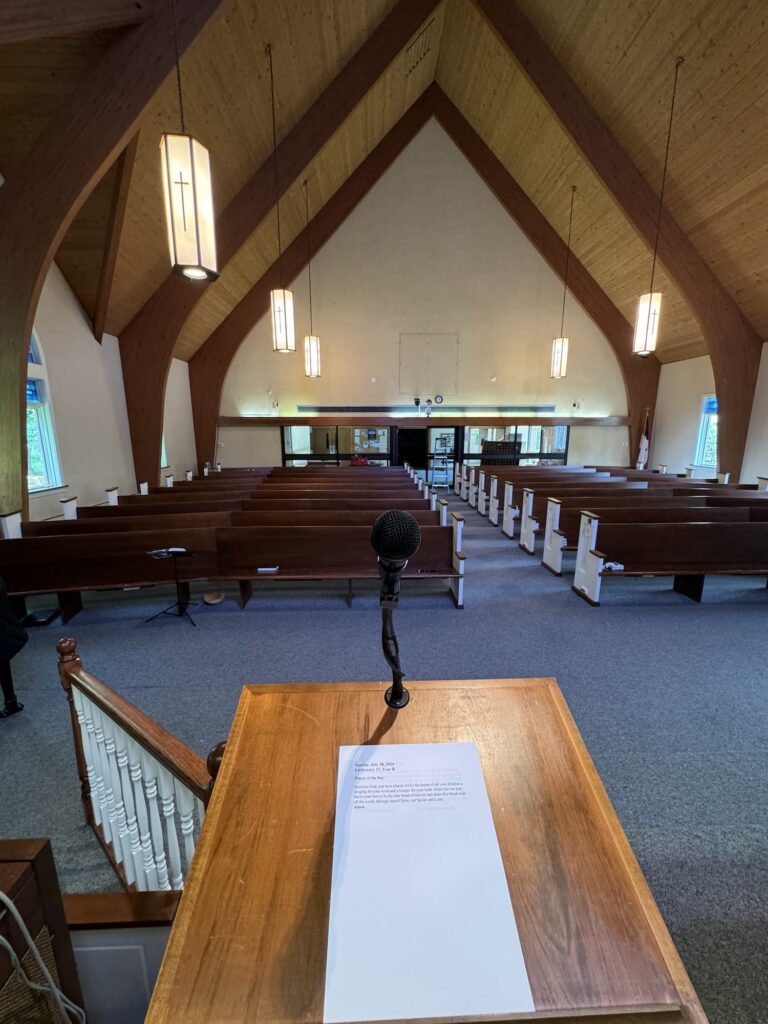
Loudspeaker placement and room acoustics. These two travel together. A loudspeaker aimed at a hard rear wall sends energy back into the room as reflections that smear speech. A room with parallel hard surfaces, a high ceiling, or a lot of glass is working against you before the system is powered on. This is why acoustic treatment sometimes delivers a bigger improvement than new equipment.
Amplification and headroom. Amplifiers that are undersized for the loudspeakers and the room will clip when pushed, which sounds harsh and eventually damages drivers. Systems that are constantly run near their limit rarely sound good even when everything is working.
DSP. Digital signal processing handles equalization, crossovers, delay, dynamics, mix-minus, and echo cancellation. A well-configured DSP is what makes a system sound consistent and behave predictably. An older system with no DSP, or a DSP nobody has been able to reprogram in years, is usually leaving significant performance on the table.
Microphones and gain structure. The best loudspeaker system cannot recover a poor source. Microphone type, placement, and how gain is set through each stage of the chain determine how much clean level you can get before feedback or noise becomes a problem.
Signal routing. How audio moves through the system determines what is possible. Point-to-point analog wiring locks you into the original design. Networked audio makes routing a configuration decision instead of a construction project, which is a large part of why it has become standard in new installations.
System tuning. A system that was installed but never properly tuned, or was tuned once and never revisited after a renovation, is unlikely to perform as designed. Tuning is measurement work, not a matter of taste.
Operation. Finally, the people using it. A capable system with confusing controls will produce bad audio every time.
When the Room Changed and the System Did Not
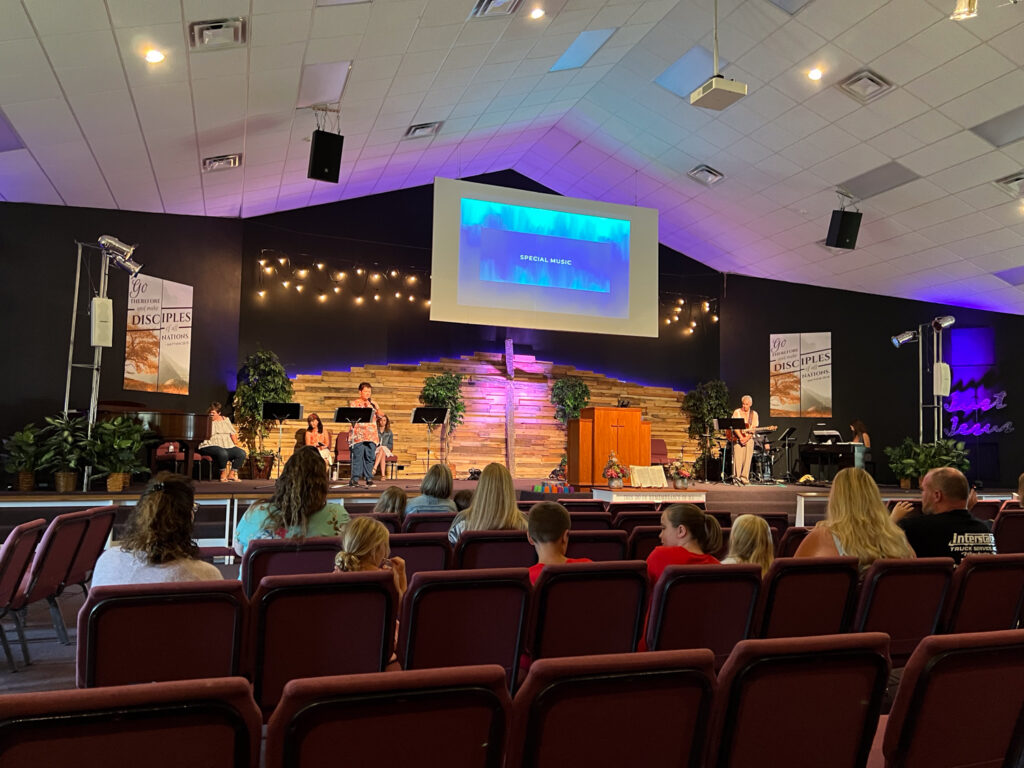
Facilities change faster than the systems inside them. A sanctuary adds a second service with a different music style. A school converts a cafeteria into a shared assembly and testing space. A company removes interior walls to create an open conference area. A theater begins hosting community meetings and lectures alongside its productions.
Physical changes matter just as much. New flooring, replaced ceiling tile, added glass partitions, and new furniture all change the acoustic behavior of a room. A new HVAC unit can raise background noise enough to hurt intelligibility on its own.
None of these changes break the audio system. They change the problem the system was designed to solve. If your facility has changed significantly since the system was installed and you are now fighting the audio, that gap is often the reason, and it is worth naming directly when you talk to an integrator.
An Upgrade Does Not Mean Replacing Everything
This is the most common misconception we encounter, and it stops a lot of organizations from even starting the conversation.
A great deal of what is already installed usually carries forward. Conduit, structural mounting points, and rigging hardware are expensive to install and are frequently reusable. Speaker cable and infrastructure wiring often remain in good condition. Loudspeakers that are correctly placed and still performing to spec may not need to be touched at all, even if everything upstream is replaced. Racks, power distribution, and grounding may be perfectly serviceable.
What tends to get addressed first is the part of the chain where the limitation actually lives. That is often DSP and signal processing, amplification, the mixing and control layer, wireless systems, and microphones. These are the components where a change produces the most noticeable improvement per dollar.
A phased approach is often the right answer for organizations with real budget constraints. Solve the intelligibility problem this year, address routing and control next year, and plan the loudspeaker replacement for a scheduled renovation. That only works if the phases are planned against a coherent end state rather than handled as a series of unrelated purchases. You can see examples of how installed systems come together across different facility types in our project work.
How to Decide What to Do Next
A practical sequence for a decision maker without an AV background:
Write down the complaints, specifically. “The sound is bad” is not actionable. “People in the back third of the room cannot understand announcements,” “the lapel mic cuts out during the second service,” and “we cannot get clean audio into our video calls” each point somewhere different.
Note when it started and what changed. A problem that began after a renovation, a staff change, or a new piece of equipment is usually connected to that event.
Inventory what you have. Make a list of the major equipment with model numbers, and find out what is still supported. This single step often resolves the age question on its own.
Get an assessment before you get a quote. A quote answers the question you asked. An assessment tells you whether it was the right question. A qualified integrator should be able to evaluate the room, measure system performance, and tell you honestly which of the three situations you are in.
Define what the system needs to do in five years, not what it does now. Streaming, hybrid meetings, additional spaces, and changing use patterns are much cheaper to design for up front than to retrofit later.
Frequently Asked Questions
How long should a commercial audio system last?
A well-designed and properly maintained installed system typically serves a facility for ten to fifteen years or longer, with individual components replaced along the way. Loudspeakers and infrastructure often outlast electronics. There is no fixed expiration date, which is why support availability, reliability, and capability are better indicators than age.
Is my audio system outdated just because it is analog?
No. Plenty of analog systems perform well for their intended purpose. What matters is whether the system meets your current requirements. Analog becomes a limitation when you need flexible routing, remote management, echo cancellation for video conferencing, or the ability to expand without new cable runs.
Can new equipment fix a room with bad acoustics?
Only partially. Careful loudspeaker selection and placement can reduce how much energy hits reflective surfaces, and DSP can help, but neither eliminates excessive reverberation. In a difficult room, acoustic treatment combined with an appropriate system design produces a far better result than new equipment alone.
How do I know if the problem is the system or the person operating it?
A useful test is consistency. If the audio is good with one operator and poor with another, you likely have a training or interface problem, which is often solvable with presets and a simplified control layout. If the same problems occur regardless of who is running it, the issue is in the system or the room.
Do we have to shut down the facility during an upgrade?
Usually not. Most installed system upgrades are scheduled around a facility’s calendar, with work phased so the space remains usable between critical dates. Sequencing is part of the planning conversation, and it is worth raising early since it can influence how the project is structured.
What should I prepare before contacting an AV integrator?
Bring your list of specific complaints, an equipment inventory if you have one, any documentation or drawings from the original installation, a description of how the space is used now, and a sense of what you want the system to support going forward. Knowing your budget range is helpful, but it is not required to start the conversation.
Talk Through Your System With Someone Who Installs Them
If your facility is dealing with any of the warning signs above, the next step is finding out which of the three situations you are actually in. That answer determines whether you are looking at a service call, a component upgrade, or a system redesign, and it is worth knowing before you build a budget around a guess.
Audiobahn Professional designs, installs, integrates, and supports permanently installed audio systems for churches, schools, theaters, performing arts centers, businesses, and other facilities throughout Greater Philadelphia and nationwide. Contact Audiobahn about your audio system and we will help you figure out what your system actually needs.